

Set up the app
Understand the difference between a completed download, an installation and the first app launch.
Follow the download journey →
Get started with clear app guidance, explore how bonus offers work and learn the card decisions that make Indian rummy interesting. Choose a guide that answers the question in front of you.
Explore bonus explanations, event formats and all ten guides.

Setup, account access and card play are different tasks. Follow the path that matches what you want to do next.
Understand the difference between a completed download, an installation and the first app launch.
Follow the download journey →Choose the right sign-in method and work through delayed codes, a changed phone or forgotten details.
Find login help →See a full thirteen-card example, then practise spotting sequences, sets and the card that no longer fits.
Try the first-hand lesson →Explore Rummy Blast with a ₹75 welcome bonus, 5% cashback on qualifying activity and daily rewards. The promotions area connects these offers with the lobby and wallet, while the reward history keeps each credited bonus easy to follow.
Create a Rummy Blast account and open the welcome promotion to claim ₹75 in bonus credit. View the eligible tables and the bonus wallet before using the reward, then follow each credit in your account history.
The cashback offer returns 5% of its qualifying activity as reward credit. Open the promotion to see the calculation base, any cap and the credit date, then match the result to the cashback entry in your wallet history.
Check the daily rewards page for timed claims and use the referral panel to follow invitations. A qualifying invitation appears in the reward record once the required account and activity steps are complete.
Each promotion sets its own eligibility, permitted use and claim period.
See how the rewards screen connects with the lobby, wallet and account history in the Rummy Blast app guide.
An event description should explain the format, start time, progression and result. A table scored over one hand asks for a different time commitment from a session made of several deals or an accumulating pool score.
Look for whether the event begins at a fixed time, how a player advances and what happens if scores are tied. A leaderboard position is meaningful only when you understand the scoring period and the activity that contributes to it.
Plan the time you want to spend before joining. Keep that plan independent of a streak, reward threshold or the outcome of the last hand. Compare the familiar structures in the points, pool and deals guide.
If an Android package stops at installation, use the error text to narrow the cause. Storage, compatibility and an incomplete file require different checks.
If you already have an account, return through the original sign-in method. A delayed OTP is a verification issue; a blank screen is a loading issue. Separating those stages saves you from reinstalling an app that already works.
Once inside, locate the menu, table rules and history area. Look at the exact reference and status when asking about an account entry. Start with account access or explore the app navigation guide.
The usual Indian rummy goal is to arrange thirteen cards into valid groups, including at least two sequences and one pure sequence.
Consecutive natural cards in one suit. Keep a completed pure sequence visible while planning the rest of the hand.
The joker fills the missing 9♣. Give each substitute a specific role so the group is easy to check.
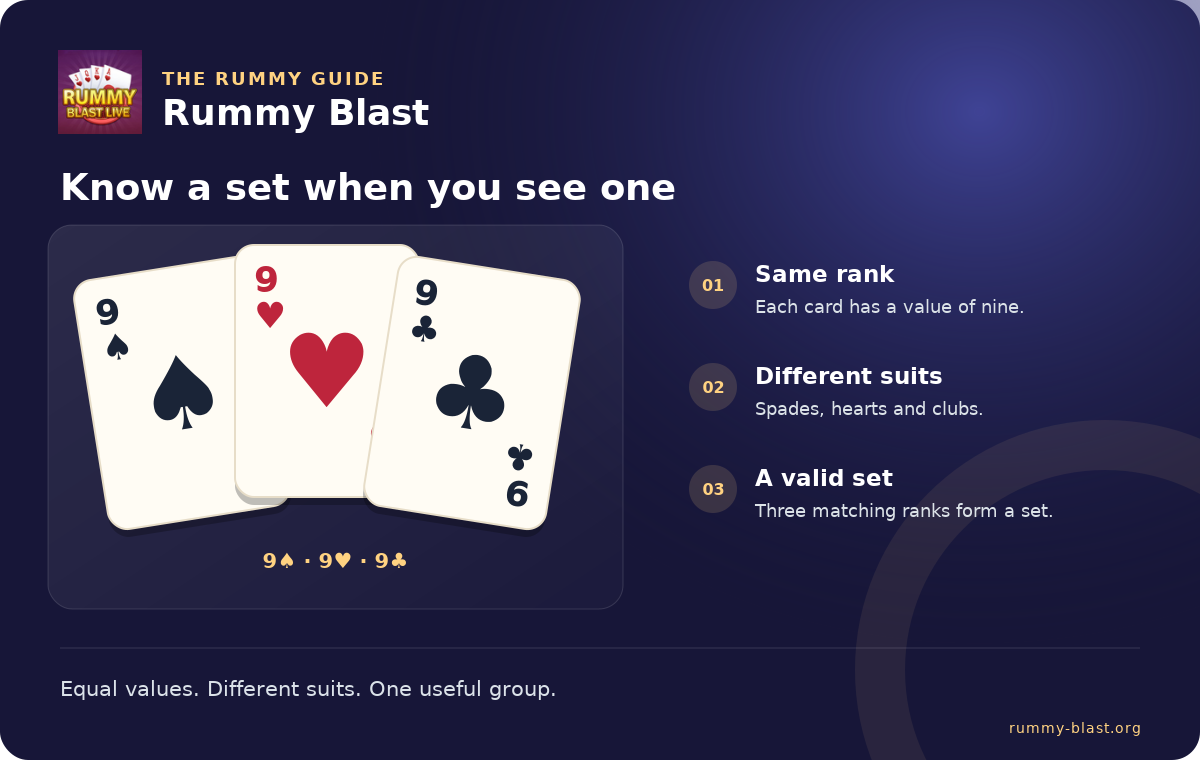
Matching ranks in different suits. A set helps complete the hand but does not replace the second sequence.
Work through a complete hand, keep the rules reference nearby or study draw-and-discard decisions.
Choose a stopping time before you start and use a break when your decisions begin to feel rushed. Keep account recovery details accessible and enter verification codes only for actions you initiated.
Find practical help in account protection and time and spending limits.
Choose the download guide for setup or the first-hand lesson for the game. The blog groups all ten guides by the task they explain.
No. An APK is the Android package you download. Installation adds the app to your device; opening it starts the app.
No. A joker can fill a particular gap, but the hand still needs valid groups and the required pure sequence.
Compare eligibility, the qualifying action, credit type, claim method and expiry. Read the full conditions attached to the displayed offer.


